
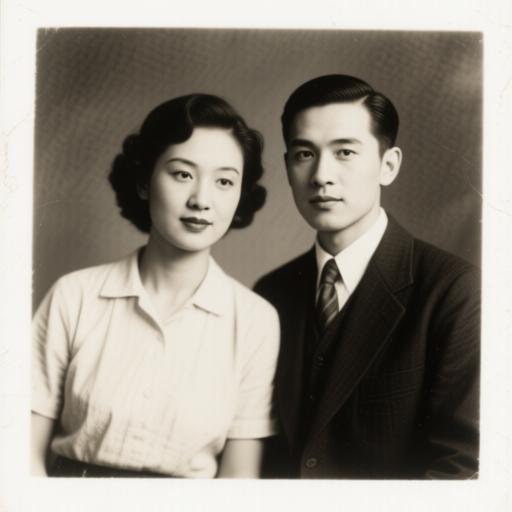
Why AI Photo Animations Look Uncanny (and How to Fix It)
Blinking too fast, rubbery mouths, drifting eyes. Here is what actually causes the uncanny look in AI photo animation, and the five settings that fix most of it.
PHPhoto Animate TeamNovember 9
Authors
AI video research
We build and test photo animation models every week. These guides come from hands-on runs on family archives, vintage portraits and product shots.
Blinking too fast, rubbery mouths, drifting eyes. Here is what actually causes the uncanny look in AI photo animation, and the five settings that fix most of it.
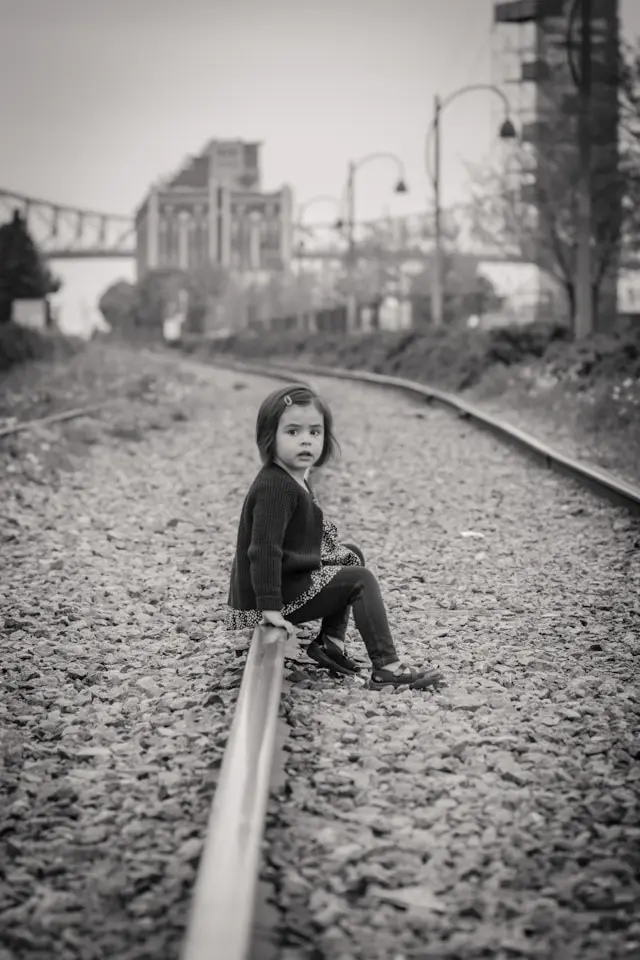
Copy-ready prompts for portraits, group photos, pets and vintage images. Each one is written for motion and camera behaviour rather than image description.
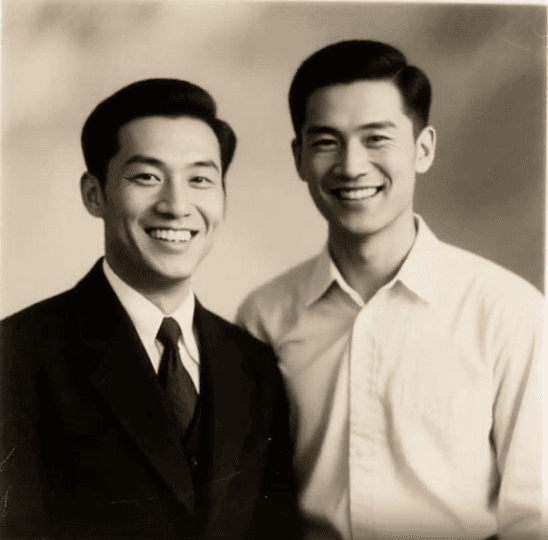
A repeatable workflow for scanned family photos: repair first, then animate with restraint. Includes what to skip, and how to talk to relatives about it.