Upload a still photo, describe the motion, and download a lifelike video. No editing skills needed. Free credits for new users.
Click to upload or drag & drop
JPG, PNG, WebP, HEIC · max 24MB
Upload a photo to preview
Your animated video will appear here
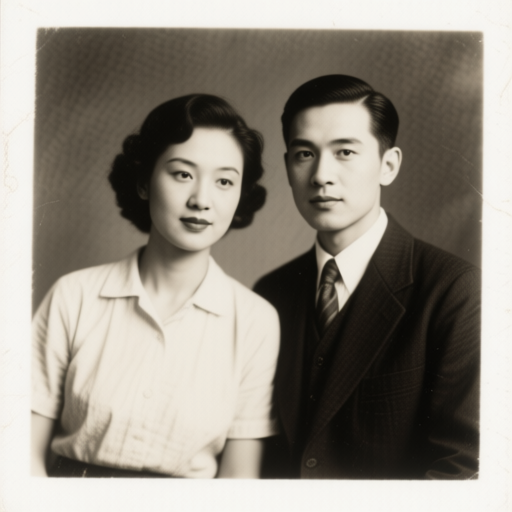
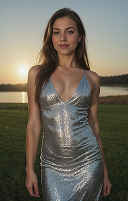
Every clip below started as a single still photo. You upload an image, type what should happen, and the AI renders the motion — blinks, smiles, camera pans, or full-body movement.
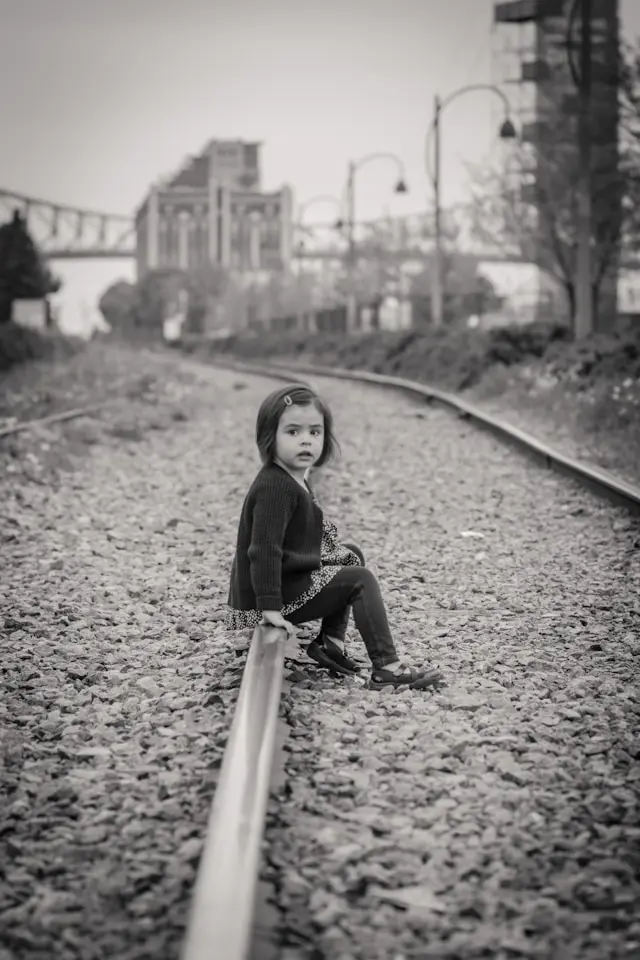
Prompt
The girl turns her head slightly and smiles, eyes blinking naturally, gentle breeze in her hair, soft vintage tone
Simple workflow
No editing skills, no timeline, no keyframes. Upload, describe, download.
Start with a clear still image: a portrait, a family snapshot, a pet, a product shot, or artwork. JPG and PNG both work. One photo is all you need — no video footage required.
Type what should happen in plain English: "she smiles and blinks", "the camera slowly zooms in", or "he turns his head and laughs". The more specific your prompt, the more natural the animation.
Press generate and wait a few minutes. The AI renders an MP4 of your photo coming to life. Preview it, then download and share on TikTok, Instagram, YouTube, or with family.
You do not need After Effects, keyframes, or animation experience. If you can write one sentence and upload a file, you can animate a photo. The AI handles motion, lighting, and timing.
The same 3 steps work for wedding portraits, old family photos, pet pictures, travel shots, and product images. The AI matches its motion style to whatever is in your frame.
New users get free credits, enough to animate your first photo at no cost. Try a few prompts, see what motion works best, then upgrade if you need more generations or longer clips.
or explore the full animate photo toolkit
Upload one still image, describe the motion, and watch it come to life. Free credits for new users — no editing skills required.