AI Nap Video Generator

Turn any photo into a cute sleeping video with soft snores. The viral AI sleeping filter for people and pets.

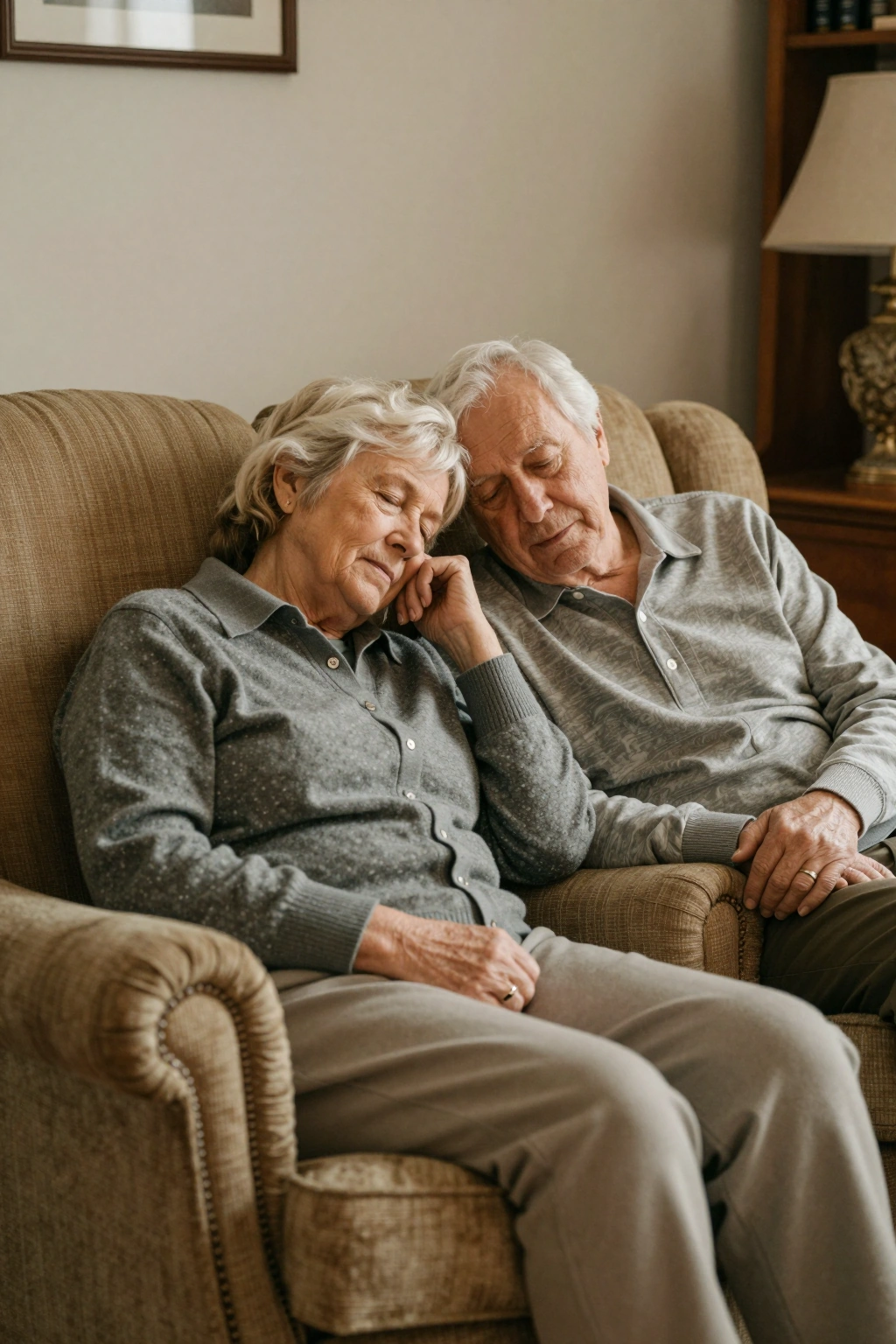
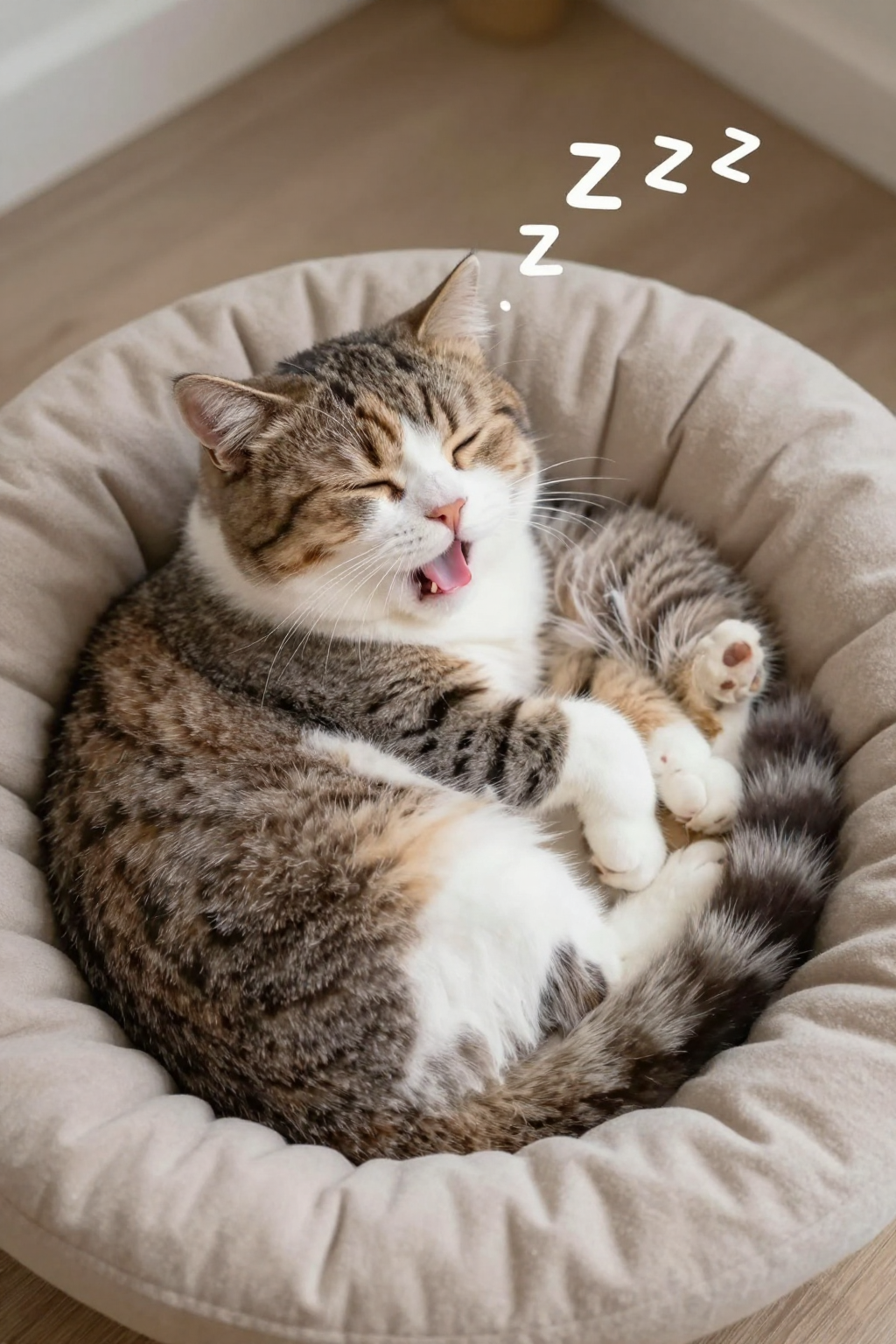
2 Images

Click to upload or drag & drop

JPG, PNG, WebP, HEIC ยท max 24MB

89/500
Dance
LoveHeart
Old Photo
Earth Zoom
Walking
Ghibli
Cartoon
Cloth Swap
Handshake
Hugging

Model Parameters

Always on โ€” Grok Imagine Video 1.5 generates dialogue, ambience, and score in the same pass as the video.

Preview

Upload a photo to preview

Your animated video will appear here

See the AI Sleeping Filter in Action

Upload a photo and watch the subject drift into a cozy nap โ€” eyes closing, soft breathing, and a funny little snore. These examples show the sleeping filter on people and pets.
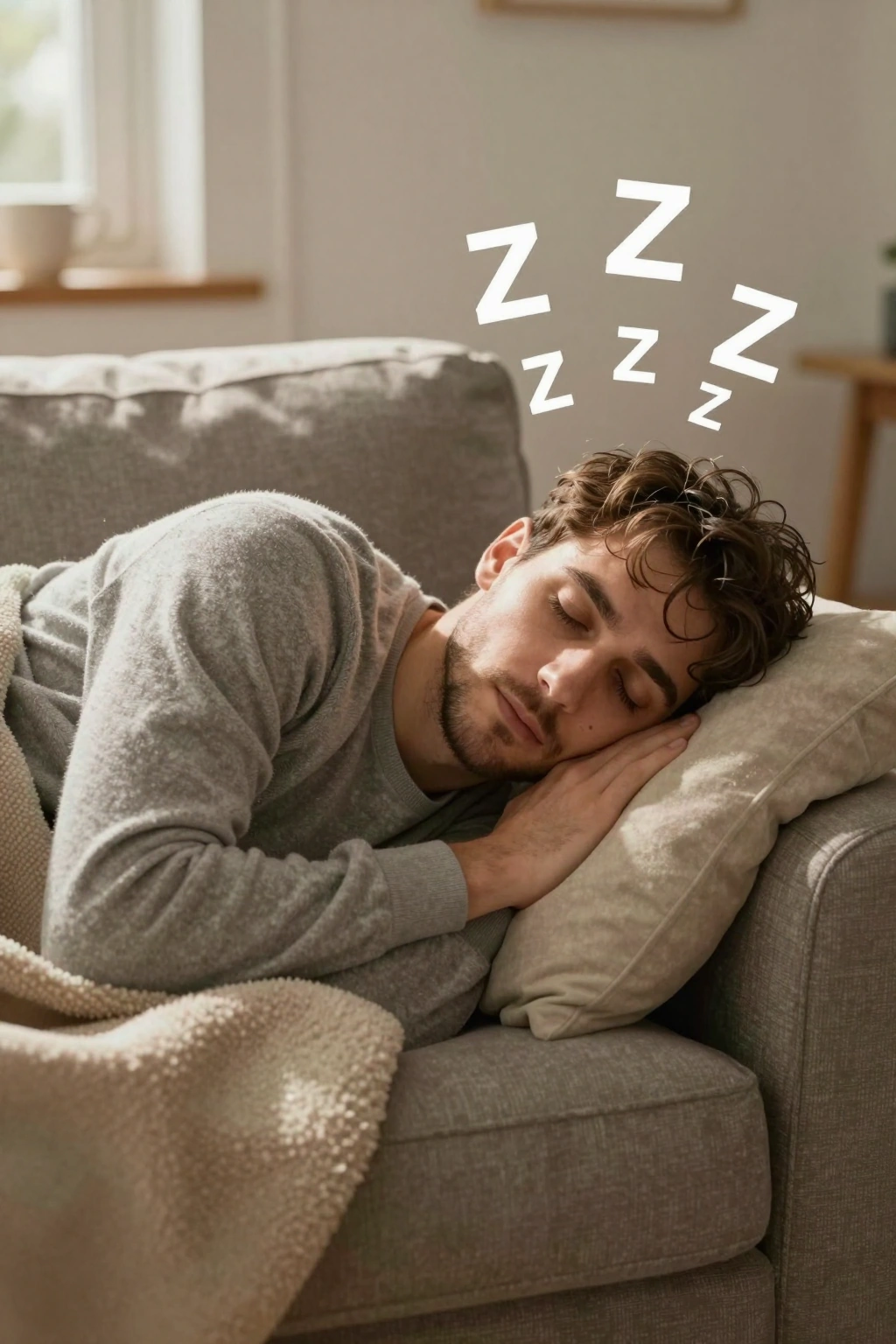
Nap Effect Preview
Nap Effect Preview preview

Why Use Our AI Nap Video Generator

Realistic Falling-Asleep Motion

The AI animates the subtle details of drifting off: eyelids getting heavy, a slow head nod, relaxed shoulders, and gentle breathing. The result looks like someone genuinely dozing, not a frozen filter.

Snoring Sound Effects

Choose generations with audio and the AI adds a soft, funny snore track synced to the breathing motion. The tiny snort at the end of each breath is what makes nap videos genuinely laugh-out-loud cute.

Works on People and Pets Alike

The sleeping filter handles human faces and animal faces equally well. Dogs, cats, rabbits, babies, grandparents โ€” if there's a face in the photo, the AI can make it nod off adorably.

Floating Zzz and Dreamy Details

Prompt for extra charm: floating Zzz bubbles, a dream cloud above the head, or a cozy blanket appearing over the sleeper. Small dreamy touches turn a nap clip into a mini story.

Fast, Loopable Clips for Social

Nap videos render in 1-2 minutes and loop seamlessly โ€” the breathing motion matches at the start and end of the clip, so your Reels and TikToks play forever without a visible cut.

Free Credits to Start Napping

New users get free credits, so your first sleeping filter videos cost nothing. Generate, preview, and download your nap clips before spending a cent โ€” no subscription required to try.

Frequently Asked Questions About the AI Nap Video Generator

It's a tool that turns a still photo into a short video where the subject falls asleep โ€” eyes closing, head nodding, soft breathing, and often a cute snore. Photo Animate's sleeping filter works on people and pets from a single uploaded photo.
Upload a photo, type a prompt like 'the person falls asleep and snores softly', and the AI generates a realistic napping animation as an MP4. The whole process takes 1-2 minutes and requires no editing skills.
Yes. Choose a generation mode with audio enabled and the AI adds synced snoring sound effects that match the breathing motion. You can also generate a silent version and add your own lullaby or sound effects later.
You can start free. Photo Animate gives new users free credits, which is enough to generate your first sleeping filter videos. Larger credit packs and plans are available if you want to make more.
Yes, pets are one of the most popular uses. Upload a photo of your dog or cat and the AI will animate it dozing off with a tiny snore. The fur, markings, and face stay recognizable throughout the animation.
Front-facing photos where the face is clearly visible and well-lit work best. Close-up portraits and pet headshots produce the most detailed sleepy expressions. Avoid photos where the eyes are hidden behind sunglasses.
Most nap videos are 5-10 seconds โ€” enough for a full yawn, eyes closing, and a couple of snore cycles. The clips are designed to loop, so they work great as repeating Reels and TikToks.
As a fun prank between friends, nap videos are generally harmless, but always get the person's consent before posting their photo publicly, and never use the sleeping filter to mock or harass anyone.

Put Your Photos to Sleep

Upload a photo and generate a cute nap video with soft snores in minutes. People, pets, and babies โ€” the sleeping filter works on everyone. Try it free.