Bring vintage portraits back to life with realistic, natural color. Upload a monochrome photo and get a beautifully colorized version in under a minute — free for members.
Drag & drop your photo here
or click to browse — JPG / PNG / WebP, up to 20MB
Style
Your restored result will appear here
Upload a photo and hit Generate — compare before & after with the slider, then download.
Drag the slider to compare the original black & white photo with the AI-colorized version.
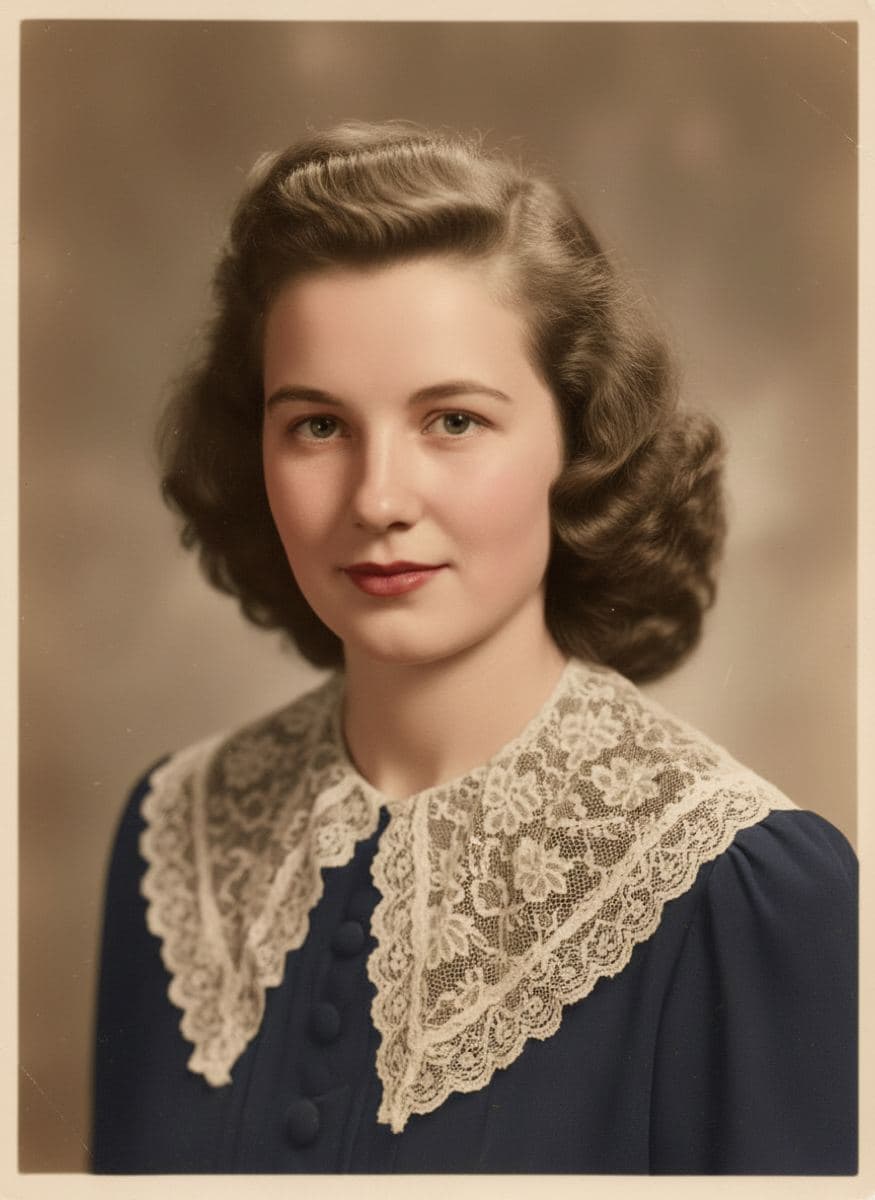
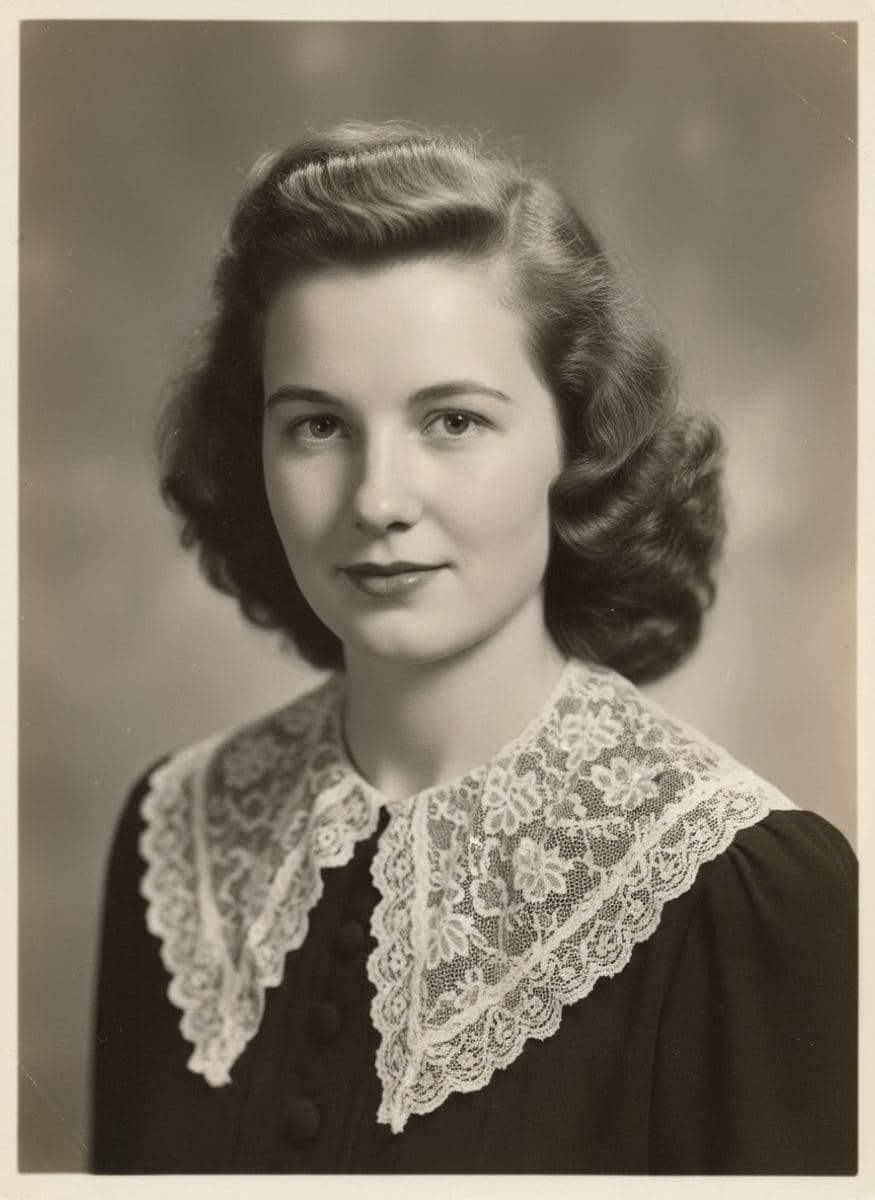
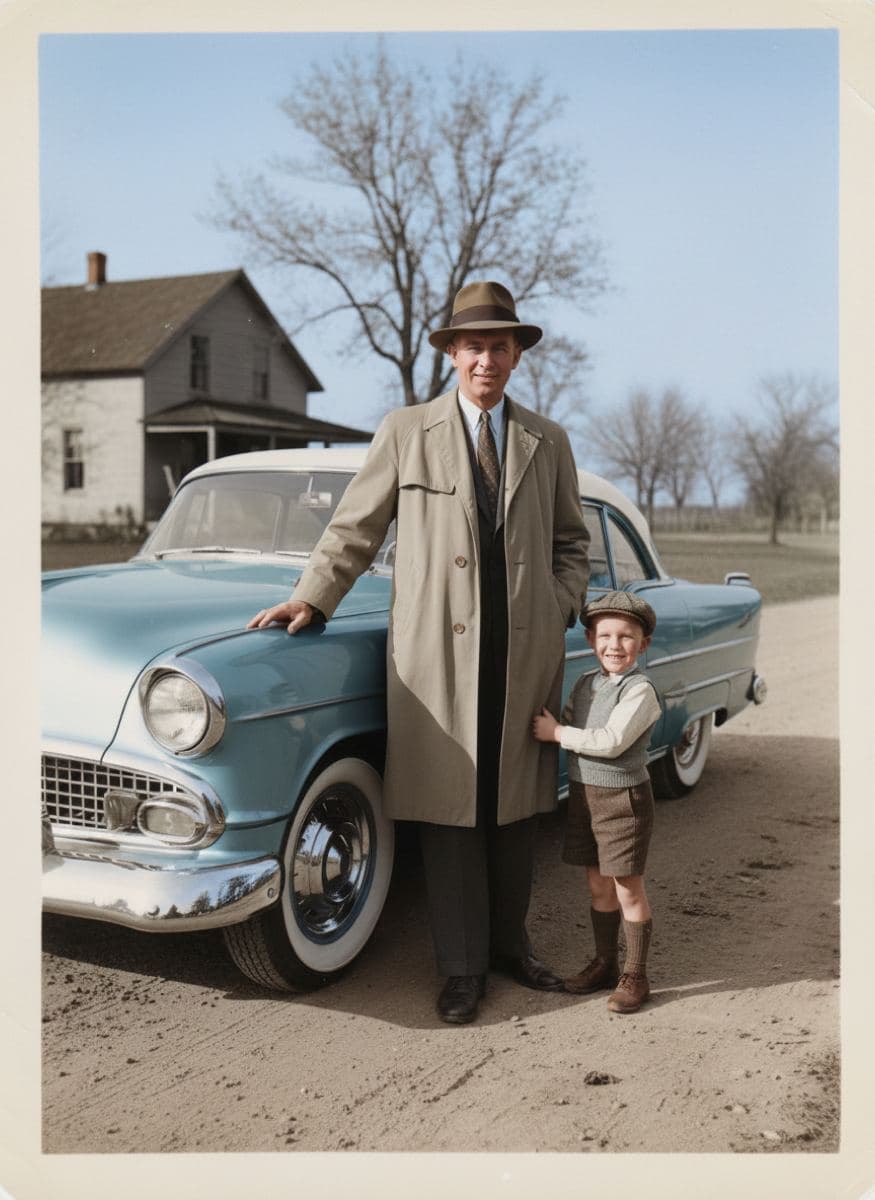
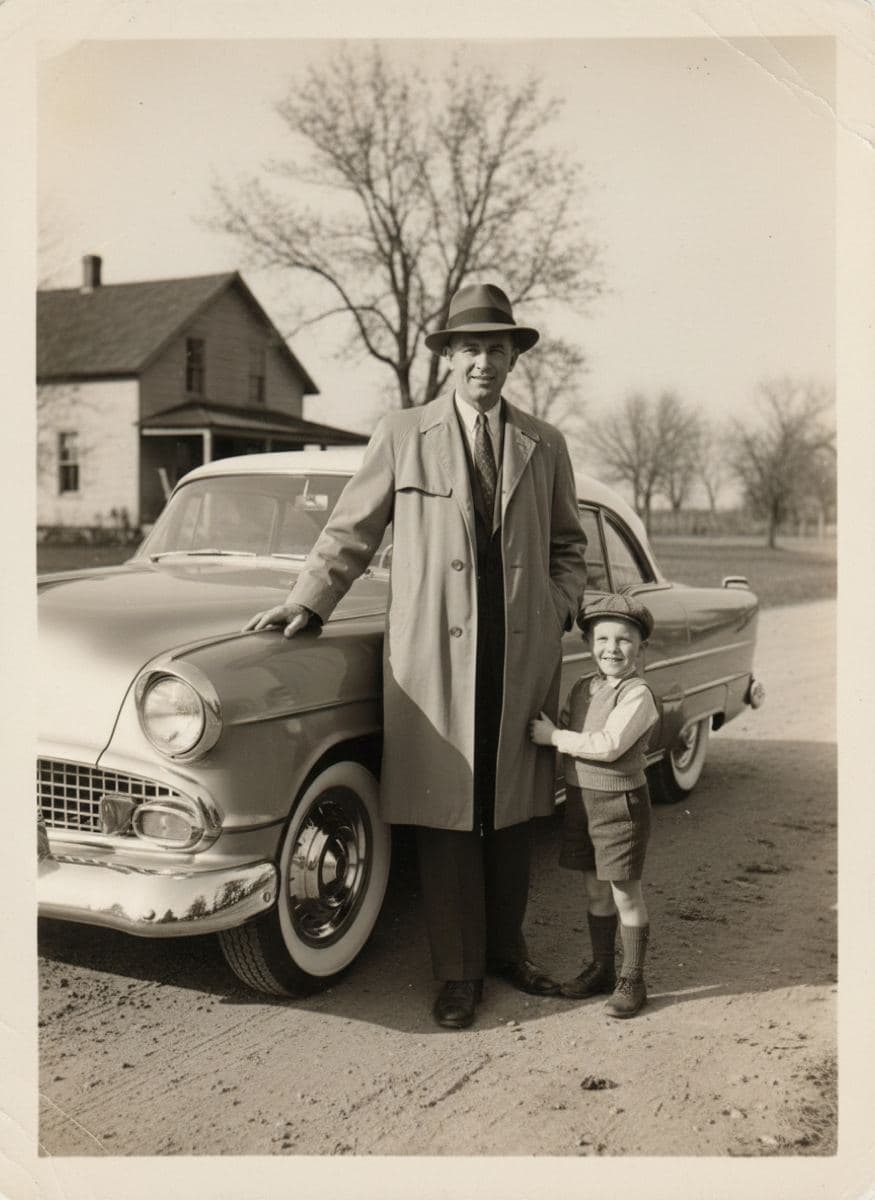
Any monochrome photo works — scanned family portraits, historical archive images, or old prints photographed with your phone.
Choose Natural or Vivid, hit Generate, and the AI paints realistic colors in under a minute. Faces, clothing and scenery are colored contextually.
Use the before/after slider to see the transformation, then download the colorized photo in high resolution — free for members with credits.
The AI paints lifelike skin, hair and eye colors instead of flat, muddy overlays. Faces stay natural and every original detail — from lace collars to background scenery — remains untouched.
Choose Natural for soft, historically plausible tones that respect the era, or Vivid for rich, saturated colors that make photos pop on social media and family slideshows.
Colorization only adds color — lines, faces, composition and the character of the original photograph stay exactly as they are. Your history is enhanced, never rewritten.
Complete the journey: animate your colorized family photos with AI and watch your ancestors smile, blink and move again.
