Turn a Santa photo into a talking video message. Type the child's first name and your script — the AI generates the voice and lip sync. Free to try.
Click to upload or drag & drop
JPG, PNG, WebP, HEIC · max 24MB
Upload a photo to preview
Your animated video will appear here
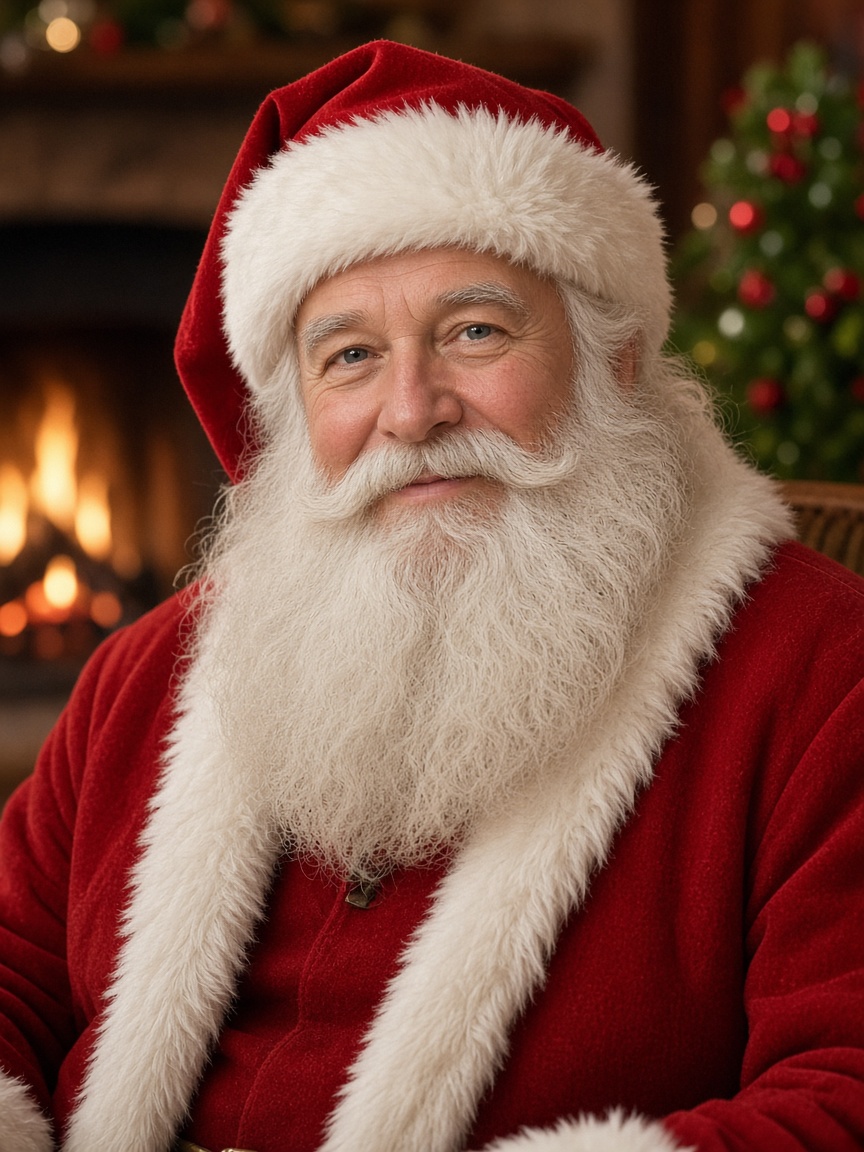
This clip was generated from a single Santa photo and a text prompt. The AI animates Santa with natural lip movement and a warm AI-generated voice speaking a short Christmas greeting — no filming, no editing software.
Prompt
Santa smiles warmly into the camera and speaks a short Christmas greeting with natural lip movement, warm festive tone, gentle snowfall
Enter a first name and a short script. We build the talking-photo prompt where Santa greets them by name, then prefill the Talking Photo tool so you only need to upload the photo and press generate.
What it costs
On the default model, Grok Imagine Video 1.5, a talking Santa clip costs 2 credits for 5 seconds at 480p, 4 for 10 seconds, and 6 for 15 seconds — 720p doubles the cost. Sign in to generate: eligible new accounts receive 2 free credits on signup — enough for a first 5-second 480p clip. More plans and one-time packs are on the pricing page.
| Length | 480p credits | 720p credits |
|---|---|---|
| 5 seconds | 2 | 4 |
| 10 seconds | 4 | 8 |
| 15 seconds | 6 | 12 |
Use a Santa portrait you have the right to use — a stock image, a licensed illustration, or your own photo from a holiday event. Upload it in the playground above or in the Talking Photo tool.
Type the recipient's first name and a short message in the personalizer below. We build a talking-photo prompt where Santa greets them by name — the name simply becomes part of the text prompt.
The AI generates the voice and lip sync from your text. Download the MP4 in a few minutes and send it on Christmas morning — 9:16 for Stories, 1:1 for the family chat.
Type what Santa should say and the AI generates a natural-sounding voice with synchronized lip movement. The greeting is yours — a nice-list shout-out, a reminder to go to bed early, or a thank-you for the cookies.
Enter the child's or recipient's first name and Santa greets them by name. The personalizer builds the prompt for you and prefills our Talking Photo tool — no prompt writing needed.
A message from Santa uses the same talking-photo engine that makes any portrait speak — realistic mouth shapes, natural expressions, and steady identity. See everything it can do on the Talking Photo page.
The AI generates the voice from your text, and clips can include native audio — no separate recording or editing pass. Your Santa message downloads ready to send.
Sign in to generate — no credit card required to create an account. Eligible new accounts receive 2 free credits on signup, enough for a first 5-second 480p Santa message on the default model. One-time credit packs are available if you need more, no subscription required.
Generate 9:16 for WhatsApp and Instagram Stories, 1:1 for the family group chat, or 16:9 for a surprise on the TV. A talking Santa beats a printed letter from the North Pole.
You may only upload images of identifiable people if you have the right to use those images and, where required, the consent of the person depicted (Terms of Service, Section 10.1). Use Santa portraits you own or are licensed to use, and keep children's personal details — like full names — out of prompts. Photo Animate accounts are for users 18 and older, so a parent or guardian should create the greeting. See the Terms of Service and Privacy Policy.
Your uploads are used only to generate your results. Depending on the feature, uploaded photos and prompts may be sent to third-party AI model providers for processing. Your images, prompts, and generation history are retained while your account is active to provide your history, and are deleted or anonymized within 90 days after account closure. You can also request erasure at any time by emailing [email protected]. Read the full Privacy Policy
Upload a Santa photo, type a first name and a short script, and download a talking Santa greeting in minutes. Sign in to generate — eligible new accounts get 2 free credits, enough for a first 5-second 480p clip.
