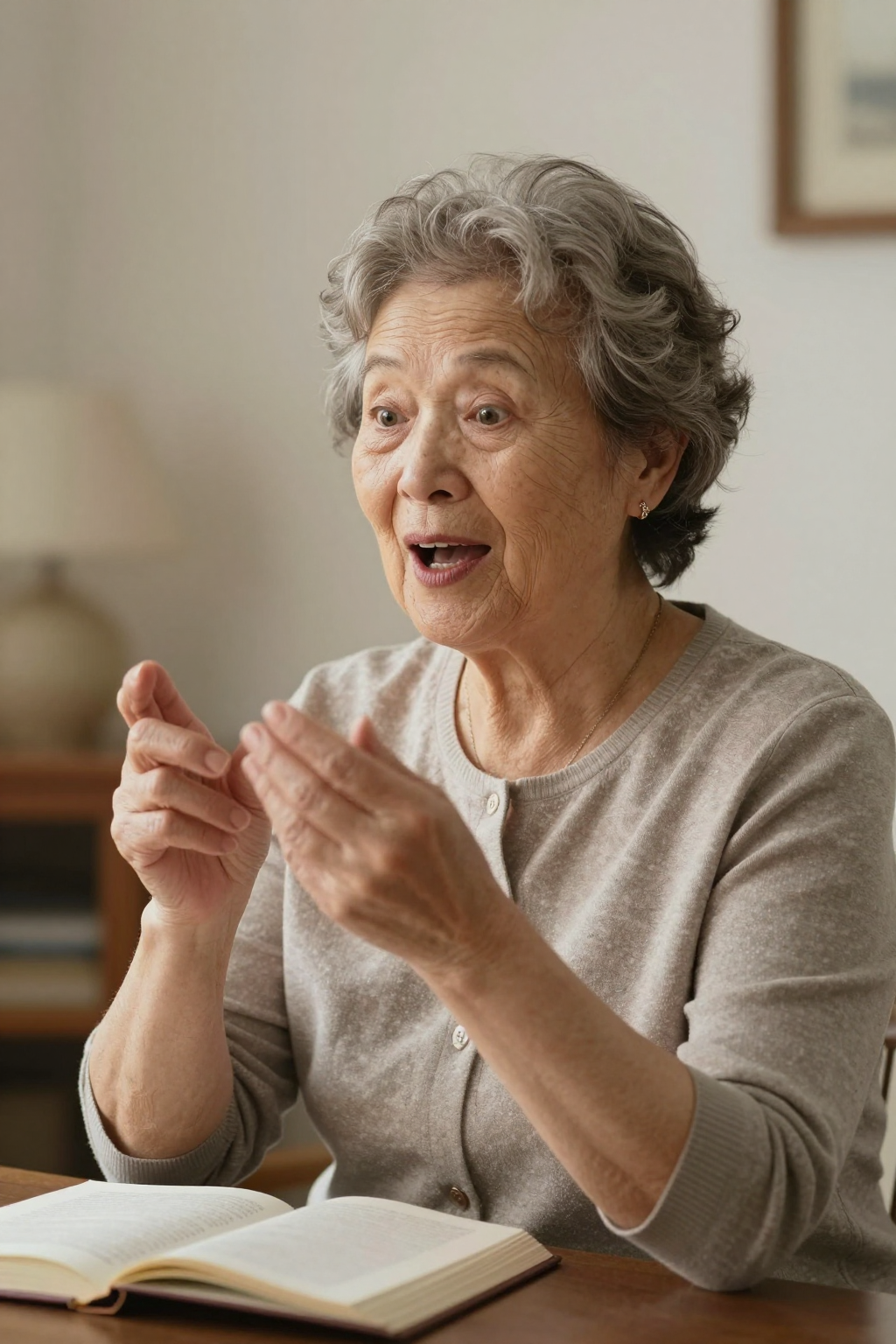
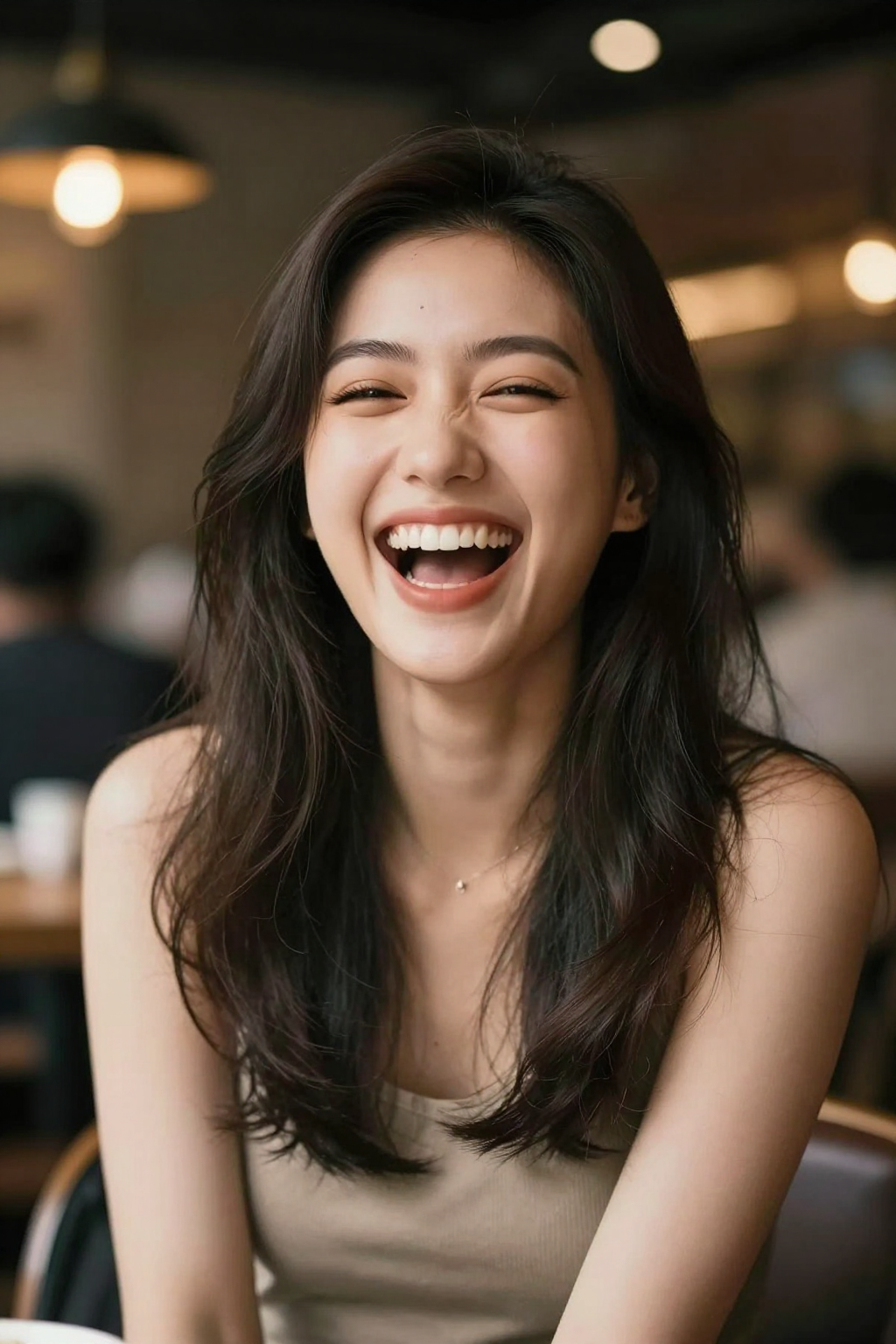
Talking Photo AI

Upload one photo and turn it into a lifelike talking video. Add text or your own audio and create an AI talking avatar in minutes.

2 Images

Click to upload or drag & drop

JPG, PNG, WebP, HEIC ยท max 24MB

95/500
Dance
LoveHeart
Old Photo
Earth Zoom
Walking
Ghibli
Cartoon
Cloth Swap
Handshake
Hugging

Model Parameters

Always on โ€” Grok Imagine Video 1.5 generates dialogue, ambience, and score in the same pass as the video.

Preview

Upload a photo to preview

Your animated video will appear here

See Photos Come Alive and Speak

Upload one photo, describe what it should say or upload audio, and watch the AI create a lifelike talking avatar video. These examples show how still portraits become expressive speaking videos.
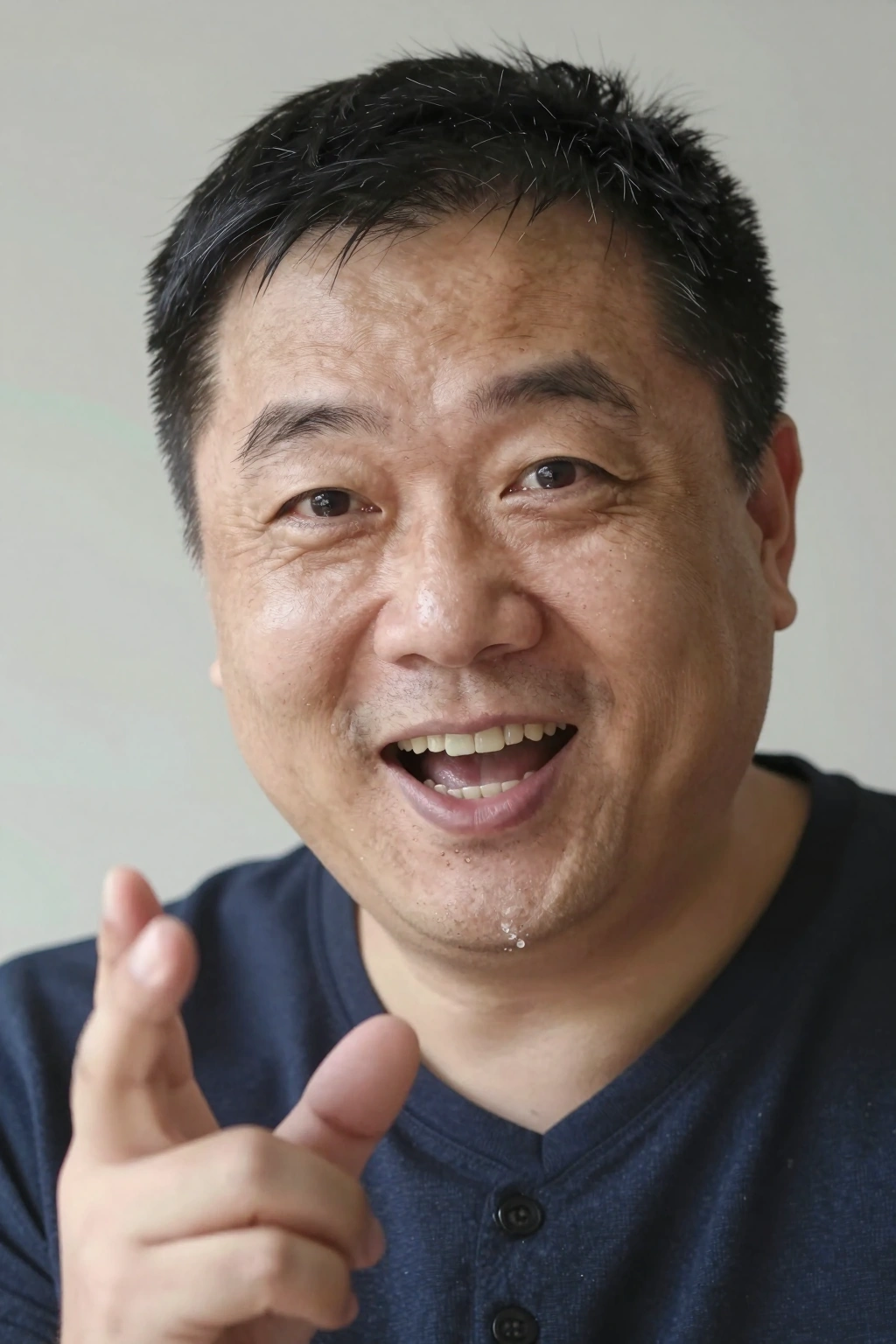
Talking Photo Preview
Talking Photo Preview preview

Why Use Our Talking Photo AI

One Photo Is All You Need

No studio, no rigging, no multi-angle scans. Upload a single clear photo and the AI builds a fully animated talking avatar with natural head movement, blinks, and expressions.

Text or Audio Driven

Type what you want the photo to say, or upload your own audio recording. The AI syncs lip movement, facial expression, and timing to your script or voice track automatically.

Realistic Lip Sync

Our talking photo AI generates accurate mouth shapes and natural jaw movement that match every syllable, so the result looks like the person in the photo is genuinely speaking.

Works with Old & Vintage Photos

Black-and-white portraits, faded prints, and restored historical photos all work. Watch a photograph from decades ago turn to the camera and deliver a message across time.

Fast Generation, Easy Download

Most talking photo videos render in just a few minutes. Preview instantly in the browser and download the MP4 to share anywhere โ€” no watermarks on paid plans.

Free to Try

New users get free credits, so you can make your first photo talk at no cost. Generate a talking avatar, check the lip sync quality, and upgrade only if you love the results.

Frequently Asked Questions About Talking Photo AI

A talking photo is a still image animated by AI so the subject appears to speak. You upload one photo, provide text or audio, and the AI generates a video with realistic lip sync, facial expressions, and natural head movement โ€” like an AI talking avatar created from your picture.
Upload a clear photo of a person (or pet), then either type the message you want them to say or upload an audio track. Click generate, and within a few minutes you'll have an MP4 video of the photo speaking your words with synchronized lip movement.
Yes, you can start for free. Photo Animate gives new users free credits, enough to create your first talking photo video at no cost. Paid plans offer more credits and higher-resolution exports for frequent use.
Absolutely. Vintage portraits, black-and-white photos, and restored historical images all work well. Many users bring old family photographs back to life by adding a spoken message โ€” it's a powerful way to connect generations.
Yes. You can upload your own audio recording and the AI will sync the photo's lip movement and expressions to your voice. Alternatively, just type your script and let the AI generate the speech.
Clear, front-facing photos with good lighting and an unobstructed face produce the best results. The subject should face the camera with eyes visible. Portraits, selfies, and scanned family photos all work โ€” blurry or heavily angled photos may reduce lip-sync accuracy.
Yes! Talking pet photos are a fun trend โ€” upload a photo of your dog or cat, add a funny script, and share the result. The AI animates the mouth area to match the speech for a playful effect.
Typical talking photo videos run from a few seconds up to about a minute, depending on your script length and settings. Short greeting-style messages render fastest and are perfect for social sharing.

Make Your First Photo Talk Today

Upload a single photo, add your words, and create a lifelike AI talking avatar in minutes. Free credits available for new users.