AI Squish Effect Generator

Turn any photo into a satisfying squishy toy video. Join the viral AI squish effect trend in seconds.

2 Images

Click to upload or drag & drop

JPG, PNG, WebP, HEIC · max 24MB

106/500
Dance
LoveHeart
Old Photo
Earth Zoom
Walking
Ghibli
Cartoon
Cloth Swap
Handshake
Hugging

Model Parameters

Always on — Grok Imagine Video 1.5 generates dialogue, ambience, and score in the same pass as the video.

Preview

Upload a photo to preview

Your animated video will appear here

See the AI Squish Effect in Action

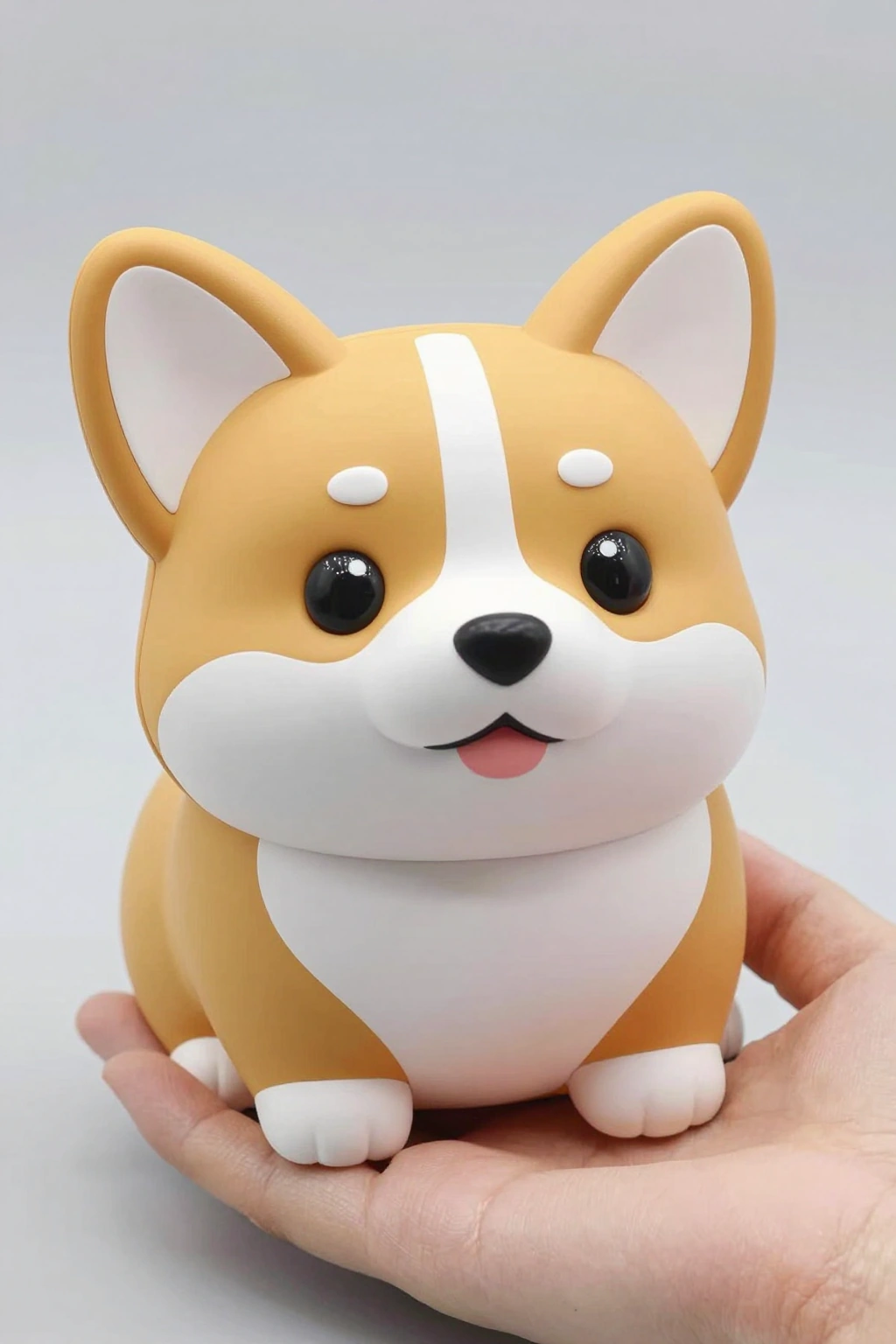
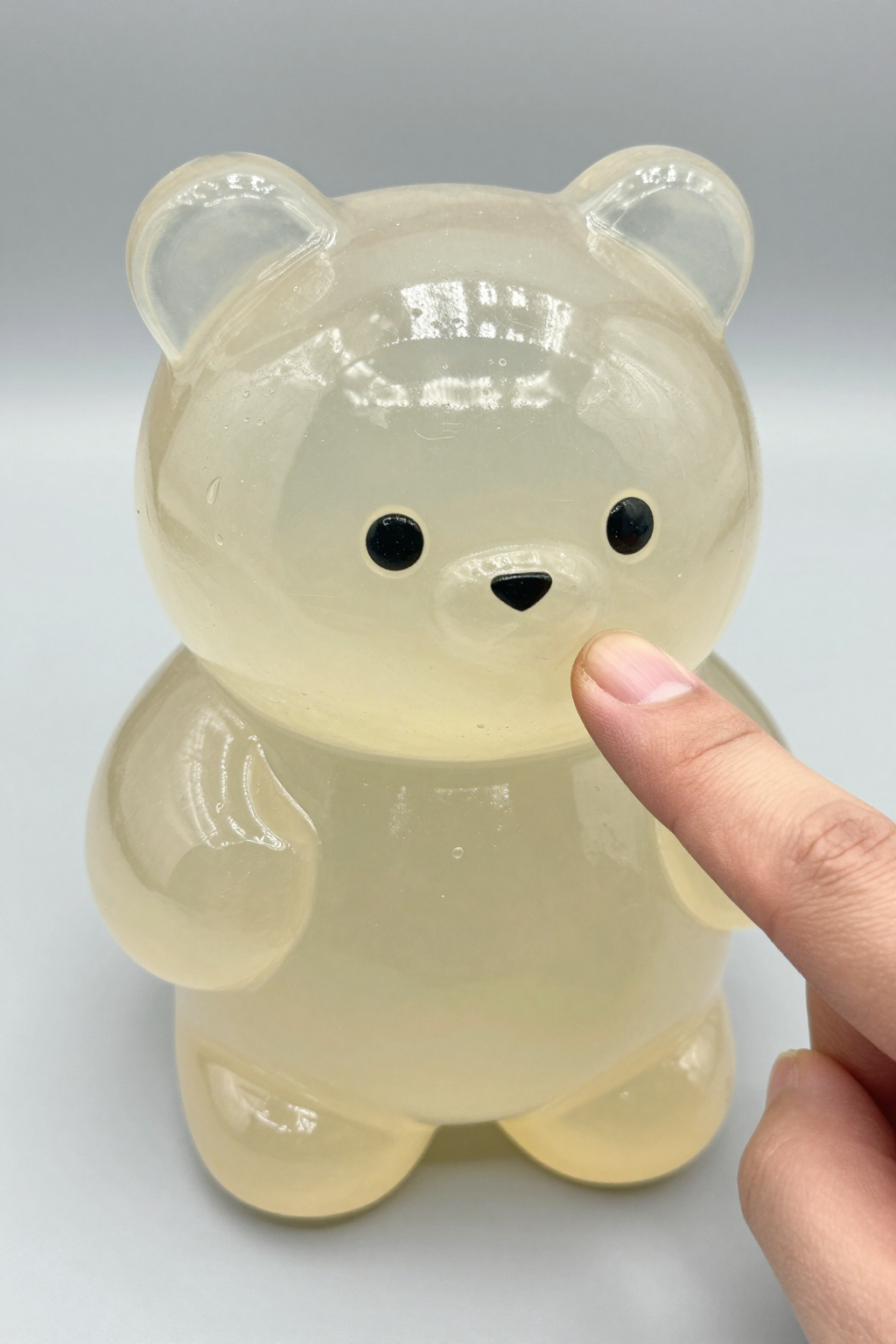
Upload one photo and watch the AI transform it into a soft, squeezable squish toy video. These examples show how faces, pets, and objects get squishified with a satisfying press.
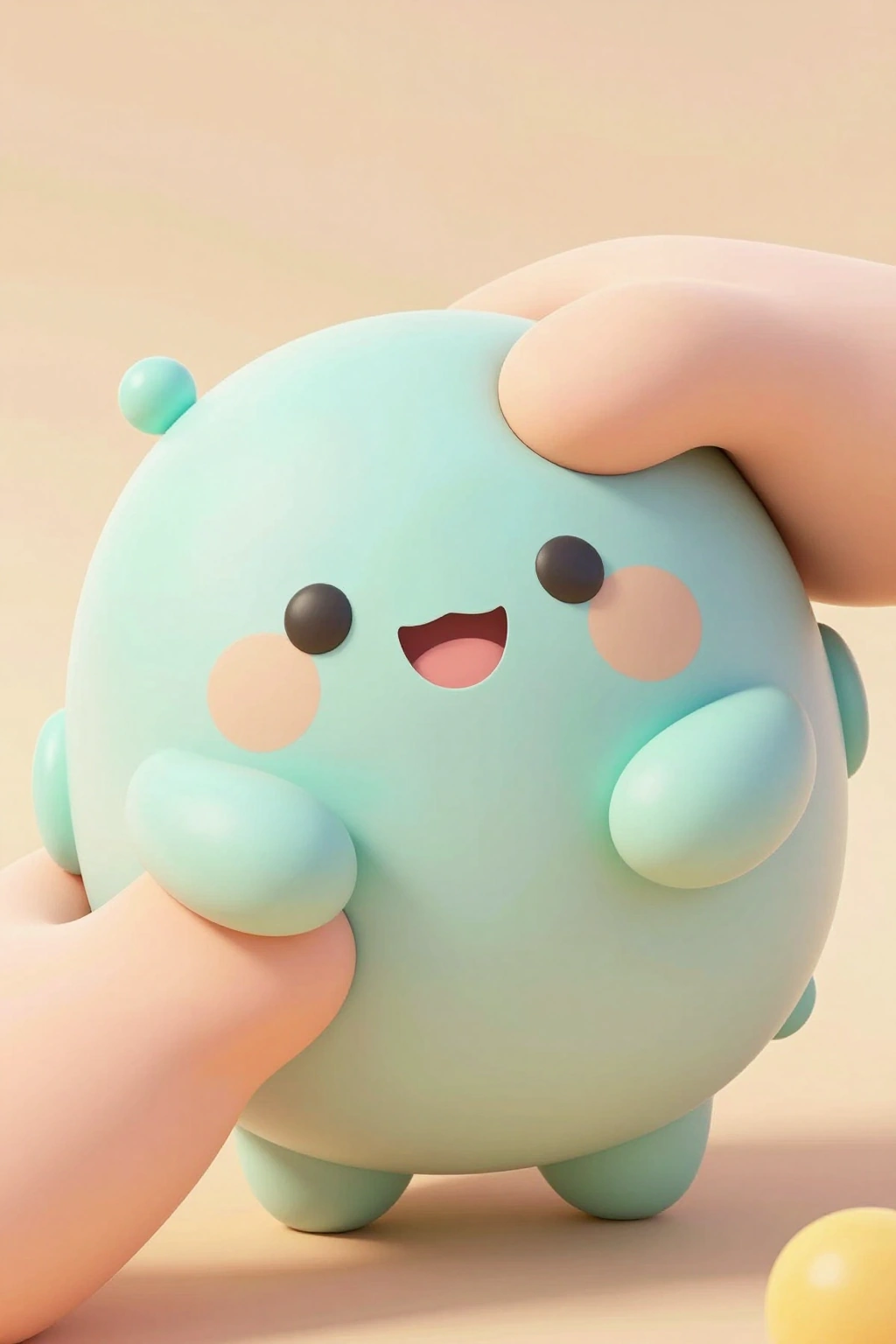
Squish Effect Preview
Squish Effect Preview preview

Why Use Our AI Squish Effect Generator

Realistic Squishy Toy Physics

The AI renders soft-body deformation that behaves like a real squishy toy: the subject compresses under pressure, then slowly wobbles back to its original shape. No stiff filters, just satisfying physics.

One Photo Is All You Need

Upload a single photo of a person, pet, product, or object. The AI detects the subject and applies the squish transformation automatically — no masking, no editing skills, no complex prompts required.

Slow-Motion Bounce-Back

The signature moment of the squish effect is the recovery: the subject pops back with a jiggly, slow-motion bounce that makes viewers want to rewatch the clip on loop. Every generation includes it.

Works on People, Pets, and Objects

Squishify a friend's selfie, your cat, a sneaker, or a burger. The AI handles all subject types and preserves recognizable details like faces, fur patterns, and brand colors through the deformation.

Instant Results, No Watermark on Paid Plans

Most squish videos render in under two minutes. Download clean MP4 files ready for TikTok, Reels, and Shorts — free users get watermark-free previews on select plans and affordable credit packs.

Control the Squish Intensity

Write a prompt to choose how hard the squeeze is: a gentle poke, a full palm press, or a slow-motion jelly squash. You direct the deformation, the AI delivers the physics.

Frequently Asked Questions About the AI Squish Effect

The AI squish effect is a viral photo-to-video trend where AI transforms the subject of a photo into a soft, squeezable squishy toy. A hand presses down, the subject compresses like jelly, then bounces back to its original shape. It became one of the biggest TikTok trends of 2026.
Upload a photo to the Photo Animate playground, enter a prompt like 'squish the subject like a soft squishy toy with a hand pressing down', and click generate. The AI produces an MP4 squish video in 1-2 minutes that you can download and share.
Yes. Photo Animate gives free credits to new users, so you can squishify your first photos at no cost. If you want to make more squish videos, affordable credit packs and subscription plans are available.
Clear photos where the subject is centered and fully visible work best — portraits, pet photos, product shots, and food pictures all squish well. Good lighting and a clean background help the AI render smoother soft-body deformation.
Absolutely. Pets are one of the most popular squish subjects. Upload a photo of your dog, cat, or rabbit, and the AI will turn it into a wobbling squishy toy version while keeping its fur pattern and features recognizable.
The squish effect combines three things the algorithm loves: satisfying visuals, a recognizable trend format, and loop-friendly motion. The press-and-bounce-back cycle makes viewers rewatch, which boosts engagement and makes squish clips easy to go viral with.
Squish videos are typically 5-10 seconds long — just enough time for the press, the squish, and the satisfying bounce-back. This length is optimized for TikTok, Instagram Reels, and YouTube Shorts.
Yes, videos you generate from photos you own the rights to are yours to use, including commercial use. Always make sure you have permission to use the original photo before uploading it.

Squishify Your First Photo Now

Upload any photo and turn it into a satisfying squishy toy video in seconds. Join millions creating the squish effect trend with Photo Animate.