Free for signed-in members — no credits charged for generation

Upscale Images with AI — Up to 4K

Turn blurry, low-resolution photos into crisp HD and 4K images. The AI recovers real detail instead of stretching pixels — free for members.

Your photo

Drag & drop your photo here

or click to browse — JPG / PNG / WebP, up to 20MB

Style

ResultIdentity-safe processing

Your restored result will appear here

Upload a photo and hit Generate — compare before & after with the slider, then download.

Image Upscaling Examples

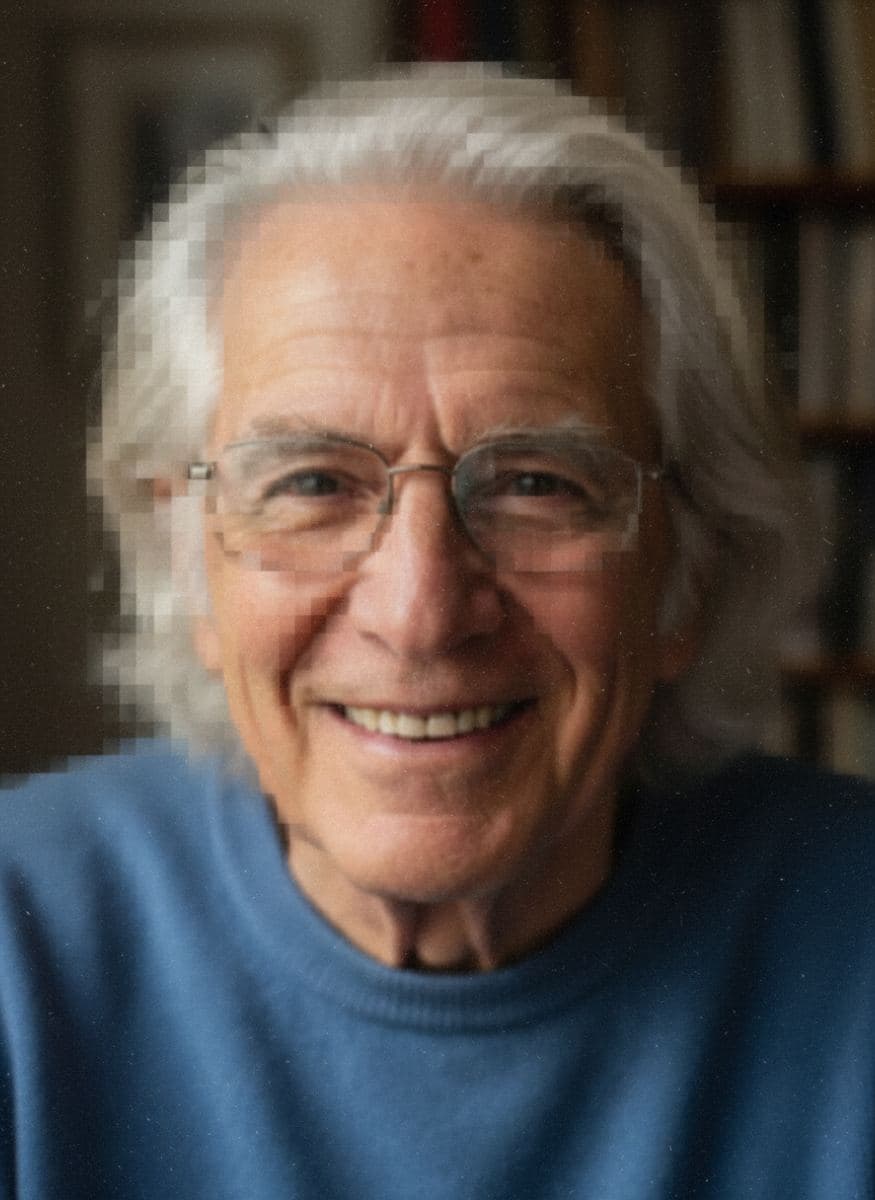
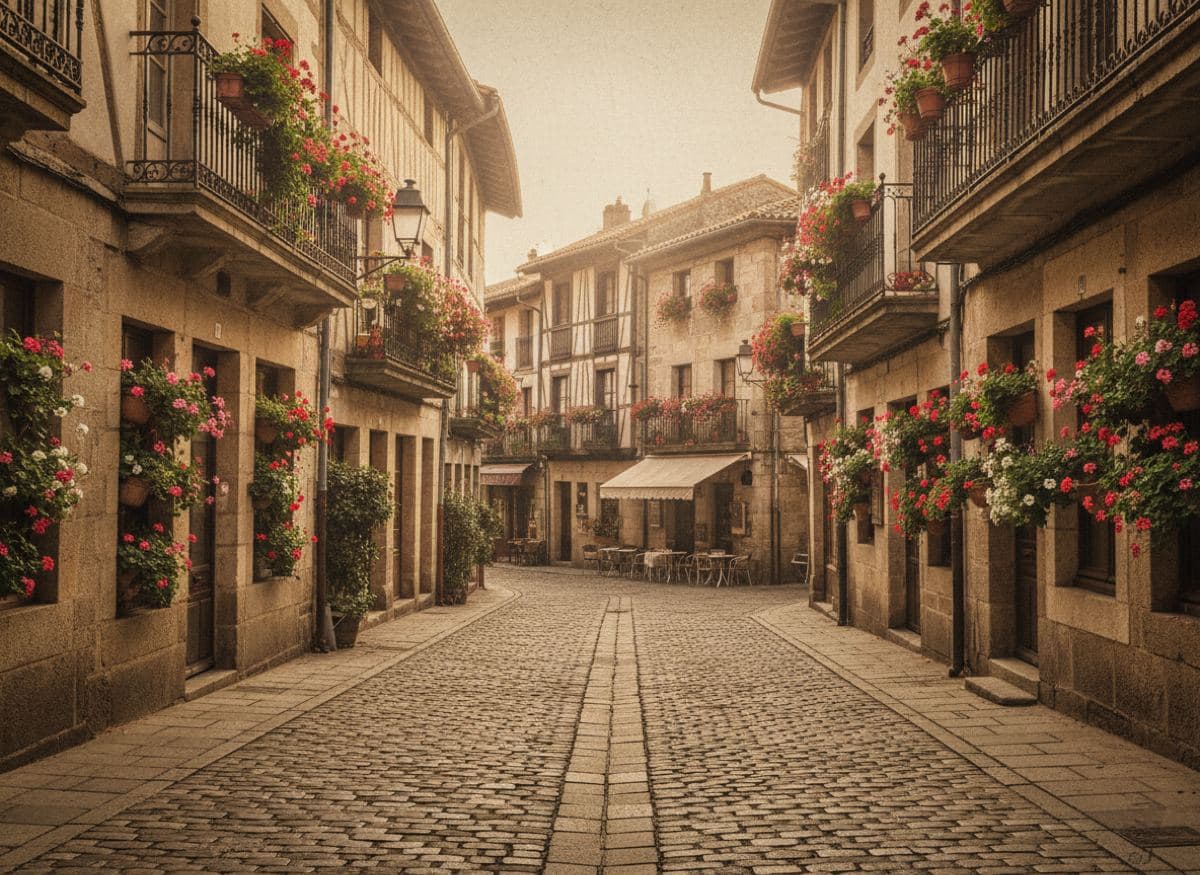
Drag the slider to compare the low-resolution original with the AI-upscaled version.
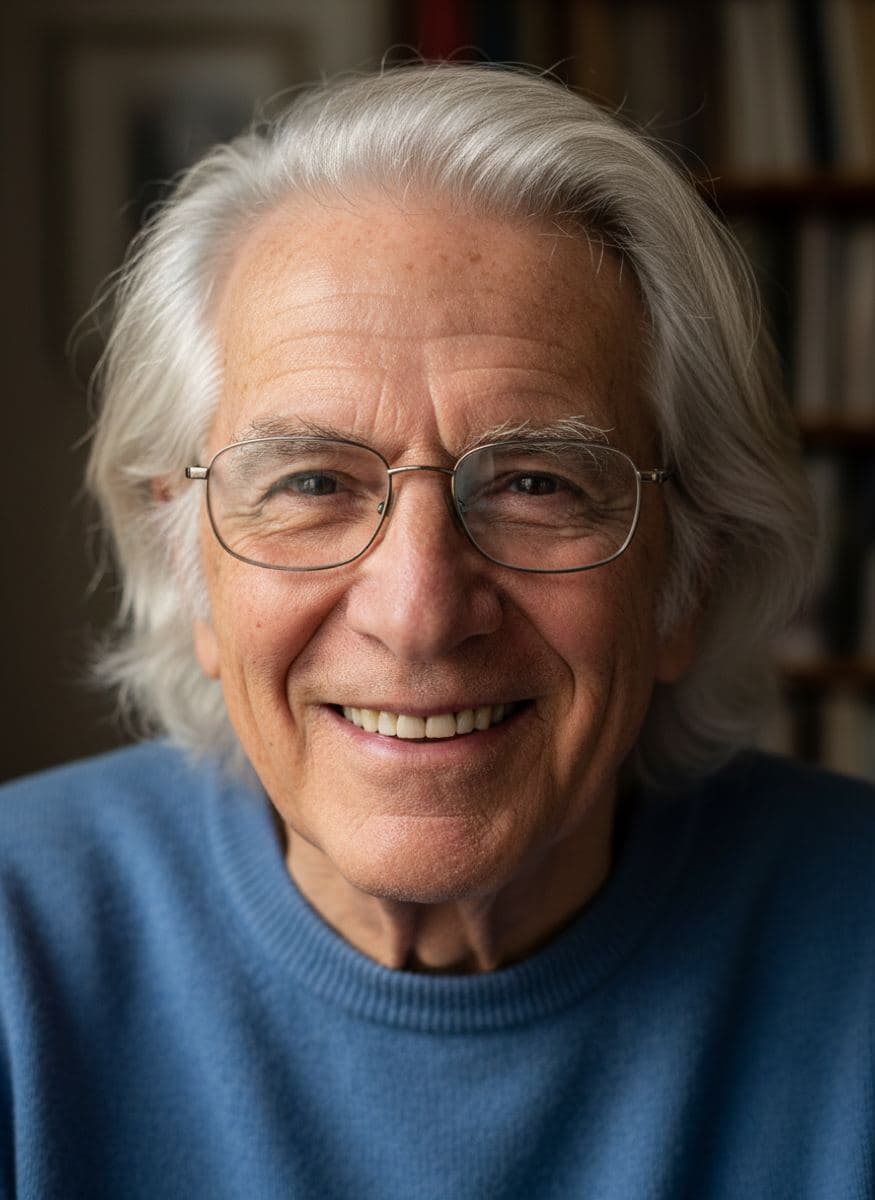
Image one
Image two
Image one
Image two

How to Upscale Images in 3 Steps

1

1. Upload a low-res image

Small scans, old digital photos, screenshots or thumbnails — JPG, PNG and WebP up to 20MB are supported.

2

2. Choose 2x or 4x upscaling

Pick how much to enlarge. The AI sharpens, recovers details and removes blur and artifacts while it upscales.

3

3. Compare & download

Zoom in on the before/after slider to see recovered detail, then download the HD result — free for members with credits.

Why Use Our AI Image Upscaler

Up to 4x Resolution

Turn small, low-resolution images into crisp 2048px or 4096px versions. Perfect for printing old family photos that only exist as tiny scans or thumbnails.

Detail & Texture Recovery

The AI reconstructs fine details — hair, fabric weave, facial features, background textures — instead of just stretching pixels. Results look genuinely high-res.

Deblur & Artifact Removal

Soft focus, motion blur, JPEG compression artifacts and digital noise are cleaned up during upscaling, so enlarged photos stay smooth and natural.

Image Upscaling FAQ

Instead of stretching pixels like traditional resizing, our AI upsampler reconstructs the image at a higher resolution: it predicts missing fine details, sharpens edges, and removes blur, noise and compression artifacts. The result looks like it was captured in high resolution.
Yes. Upscaling is completely free for signed-in users and never deducts credits. Only downloading the full-resolution result requires an account with credits.
2x produces a 2048px image and keeps the most natural look — recommended for portraits. 4x produces a 4096px image for printing or heavy cropping. Start with 2x; if it still isn't enough, run 4x.
No. The AI is trained to preserve content exactly — faces, colors and composition stay the same. Only resolution, sharpness and cleanliness improve.
Yes — old photos are the most common use case. For damaged photos, restore them first with our free Photo Restoration tool, then upscale the result for the best quality.
You can upload images up to 20MB. The output is capped at 4096px on the long edge (4x mode); if the AI decides the source is too small for 4x, it automatically falls back to 2x for better quality.

Your photo is sharp. Now make it move.

High resolution deserves high emotion — animate your upscaled family photos with AI and watch them come to life.