
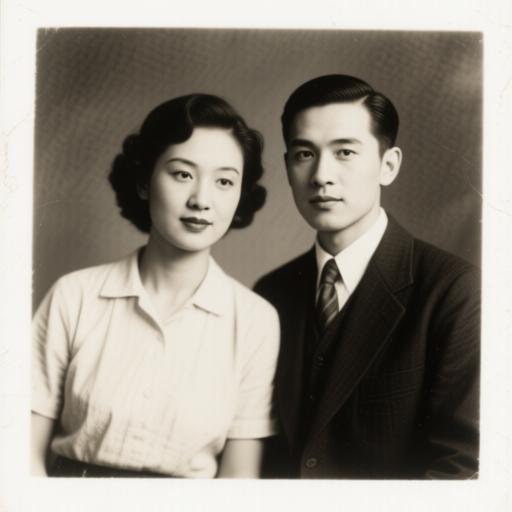
Why AI Photo Animations Look Uncanny (and How to Fix It)
Blinking too fast, rubbery mouths, drifting eyes. Here is what actually causes the uncanny look in AI photo animation, and the five settings that fix most of it.
PHPhoto Animate TeamNovember 9
Practical guides to animating photos with AI: what works, what looks fake, and how to get natural motion from a single still image.
Blinking too fast, rubbery mouths, drifting eyes. Here is what actually causes the uncanny look in AI photo animation, and the five settings that fix most of it.
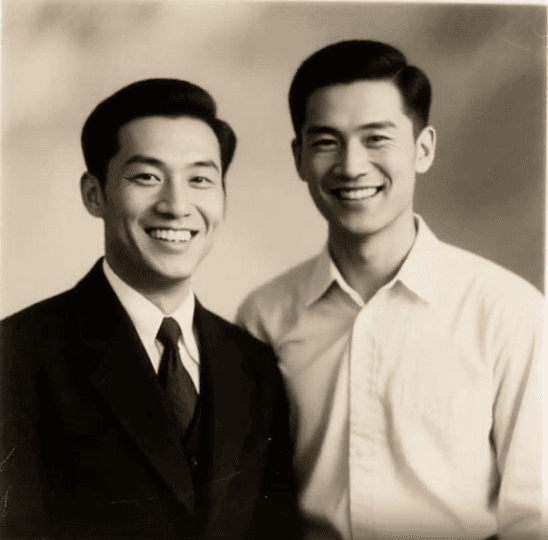
A repeatable workflow for scanned family photos: repair first, then animate with restraint. Includes what to skip, and how to talk to relatives about it.