Photo Animate: Photo to Video AI - Animate Photos to Video Online

Transform static photos into dynamic, lifelike videos with advanced AI animation technology

Click to upload or drag & drop

JPG, PNG, WebP, HEIC · max 24MB

Model Parameters

101/500

Preview

Example 1 / 4

Prompt

Animate this image, bringing it to life with subtle movements while preserving the original features.

Animate Photos to Video

The easiest way to bring photos to life with an AI picture animator

Photo Animate is an AI picture animator that helps you bring photos to life, turn portraits into moving clips, and create realistic photo to video results for old memories, family stories, and modern content. Whether you need an image to video AI tool for a fun portrait, a memorial project, or a family history archive, Photo Animate focuses on natural-looking motion that keeps the original feeling of the photo.

Designed for photo to video AI workflows with simple upload, preview, and download steps.
Useful for creators, families, genealogists, and anyone who wants to bring photos to life.
Built for meaningful portrait animation, from modern selfies to old family archives.
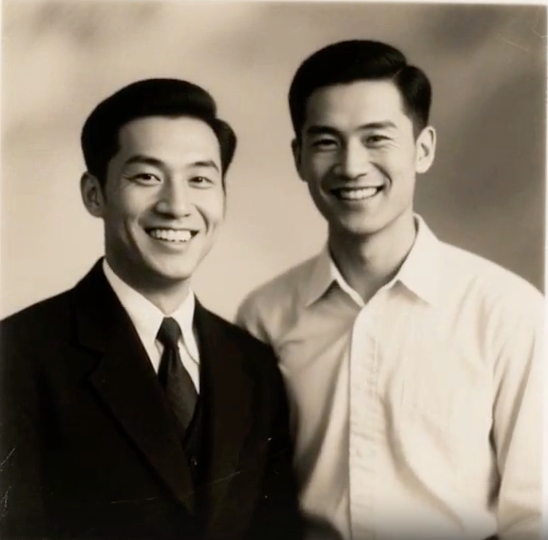
Original photo

Built for emotional and practical photo animate AI use cases

Explore how Photo Animate can help with family memories, restored portraits, and meaningful videos created from still images.

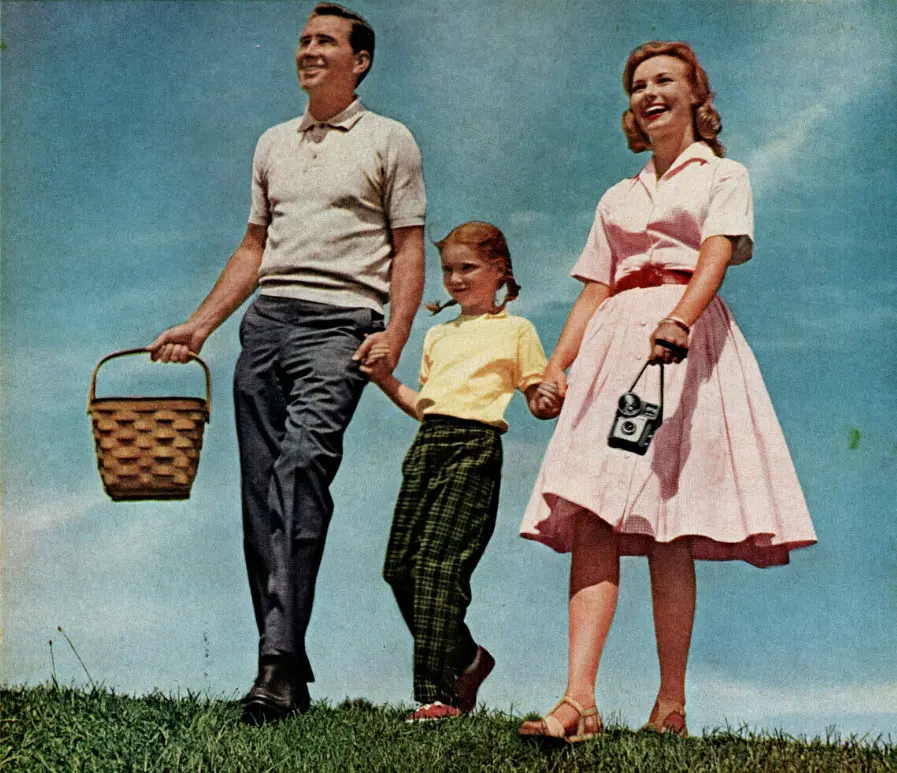
Bring old family photos to life

Upload faded portraits, wedding photos, or childhood snapshots and turn them into short, expressive videos that feel warm, natural, and easy to share.
Input photo

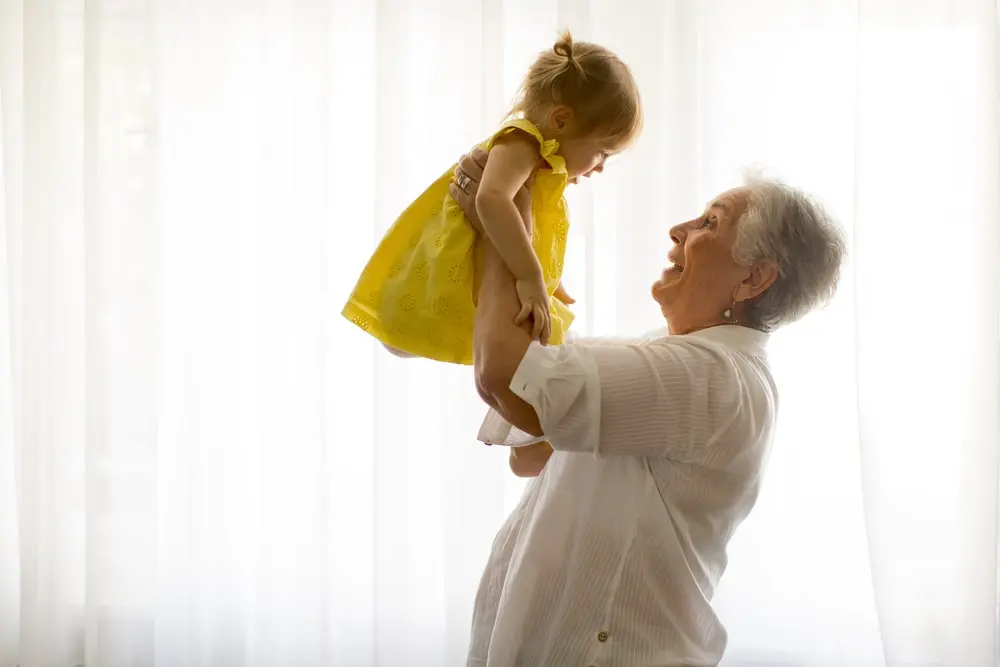
Animate deceased loved ones photos

Create respectful motion for treasured memories with subtle eye, smile, and head movement designed for remembrance projects and family storytelling.
Input photo

Animate old black and white photos

Start with restored vintage images, improve facial clarity, and generate motion that helps old memories feel vivid again without over-editing the original photo.

Original photo

Why choose Photo Animate AI

  • Natural portrait motion: Create blinking, smiling, and subtle facial movement that looks more believable on portraits, old photos, and memory-focused videos.
  • Old photo friendly workflow: Use restored or enhanced portraits to animate old family images, vintage snapshots, and black and white memories more effectively.
  • Useful long-tail scenarios: Supports meaningful use cases such as bringing old family photos to life, making a picture blink and smile, and creating memorial-style portrait clips.
  • Simple image to video AI workflow: Upload, choose motion, preview, and download without needing advanced editing skills or separate animation software.

More ways to use Photo Animate

From family storytelling to portrait animation, these examples show what you can create when you want motion that still feels personal and realistic.

Make ancestors talk AI

Use text or expression prompts to create talking portrait-style clips for family history, memorial tributes, classroom projects, and documentary storytelling.

Make a picture of someone blink and smile

Choose gentle expression presets that add believable micro-movements instead of exaggerated animation, so portraits stay recognizable and emotionally authentic.

Turn old memories into videos

Combine restored images, natural movement, and downloadable clips to build anniversary videos, heritage reels, and social-ready before-and-after memory stories.

Moving pictures AI for creative projects

Use our moving pictures AI to add subtle animation to portraits, artwork, and creative compositions. Perfect for social media content, digital art, and storytelling projects.
How to animate a photo with Photo Animate Background

How to animate a photo with Photo Animate

01

Upload your photo

Open Photo Animate and upload your image to get started.

02

Describe the motion

Choose a natural expression, subtle smile, blinking effect, or talking portrait direction based on the kind of video you want to create.

03

Generate and download

Preview the result, confirm the motion looks natural, and download the finished clip for family sharing, storytelling, or creator use.

Frequently Asked Questions About Photo Animate

Photo Animate is an AI picture animator that helps you animate photos to video. It turns still portraits and family photos into short clips with realistic facial motion and easy-to-use controls.
Upload a photo, choose a motion style or prompt, and the system analyzes the face, expression, and composition to create a short animated video from the original image.
Yes. Many people use Photo Animate to create respectful memorial clips. We recommend subtle motion such as blinking, small smiles, and gentle head movement for the most natural result.
You can create talking-style portrait videos from old family photos by combining a clear face image with a suitable expression or speech prompt. Results are best when the original face is well-lit and centered.
Yes. Old black and white portraits can often be animated successfully, especially after restoration or enhancement. Clearer facial details usually lead to better motion quality.
Upload the portrait and choose a natural expression workflow. Subtle prompts usually work best for blinking, smiling, and small facial movements that still preserve the original look.
Yes. It is especially useful for family archives, memorial videos, reunion gifts, and heritage projects where users want to turn still memories into short moving portraits.
Yes. Once your animation is generated, you can download the clip and use it in tribute videos, anniversary slideshows, family edits, or creator projects.
Photo Animate focuses on portrait realism, memory-driven use cases, and easy workflows that help users create valuable outputs instead of just flashy motion effects.
Photo Animate is designed with privacy in mind. You should still review our Privacy Policy for details about storage, processing, and support-related handling of uploaded media.

Contact Photo Animate

Need help with billing, old photo animation quality, or a support question? Reach us anytime at [email protected].

Start Your First Photo Animation

Upload a portrait, choose a motion style, and create a realistic AI-generated memory video with Photo Animate.